DataCops vs ClickCease
ClickCease blocks bad IPs. DataCops stops fraud from poisoning your analytics, attribution, and CAPI.
ClickCease does its narrow job well: it catches repeat-offender IPs and adds them to Google Ads exclusion lists. The problem is that Performance Max does not expose the same IP controls, annual billing locks you in, and no fraudulent click ever gets scrubbed from your analytics or CAPI payload. DataCops works at the data layer, filtering invalid traffic at ingestion so bad clicks never reach your attribution or train your ad campaigns.
Start FreeBlocking bots is table stakes. What happens after is what matters.
DataCops detects, blocks, and feeds clean signals back to your ad platforms - in one layer, not three separate tools.

One platform that captures, verifies, and activates - instead of patching three tools together.
ClickCease cannot follow your spend into Performance Max or your data layer.
ClickCease was built around Google Ads search exclusion lists. Performance Max does not expose those same IP controls, so as spend shifts to PMax, ClickCease's protection shrinks. More structurally, a blocked IP still leaves a poisoned event in your analytics and your CAPI payload. The exclusion list stops a future click. It does not clean the data that already reached Meta and Google.
What the gap actually looks like
Performance Max is now the default campaign type Google pushes advertisers toward, and ClickCease cannot protect it. ClickCease was built for search exclusion lists that PMax does not expose. If your spend has shifted toward PMax, you have already outgrown the tool's core protection mechanism.
ClickCease bills annually, which is the single most common complaint on G2 and Trustpilot. Entry plans run roughly $60 to $100 a month when the annual fee is spread out, but the commitment is up-front. Teams that want out mid-term cannot leave without paying the remainder of the contract.
Even when ClickCease catches a bad click, the event has already entered your analytics stack. Attribution models, ROAS dashboards, and Meta CAPI all see the polluted conversion before any IP is blacklisted. The exclusion list prevents the next bad click, but your historical data and campaign signals remain contaminated.
How DataCops fixes ClickCease's gap
DataCops filters fraud at the ingestion layer, before any event reaches your analytics or is forwarded to Meta CAPI or Google. The filter runs every event against a 361.8 billion IP database the moment it arrives on your first-party subdomain. A bad click is dropped, not just blocked from the next session.
Because DataCops sits inside your first-party data pipeline rather than in front of a single ad network, its fraud signal works across every channel you run, including Performance Max, Meta, TikTok, and LinkedIn. There is no per-network exclusion list to maintain and no campaign type that breaks coverage.
DataCops is a newer brand than ClickCease, and SOC 2 Type II certification is in progress. For teams running one or two Google Ads accounts with modest spend and no Performance Max, ClickCease may be sufficient. DataCops is the right move when you need fraud signal wired into your analytics and CAPI rather than bolted on as a separate IP blocker.
Cut fraud spend in one afternoon
Point your tracking at DataCops and bot traffic stops draining budget within minutes.

Add the Tracking Script and Validate
Paste this into your website's <head> tag:
<script src="https://datacops.yourdomain.com/core.js"></script>Point Your DNS to DataCops
Add one CNAME record:
Live in 5-30 minutes. Complete data capture begins automatically.
Integration
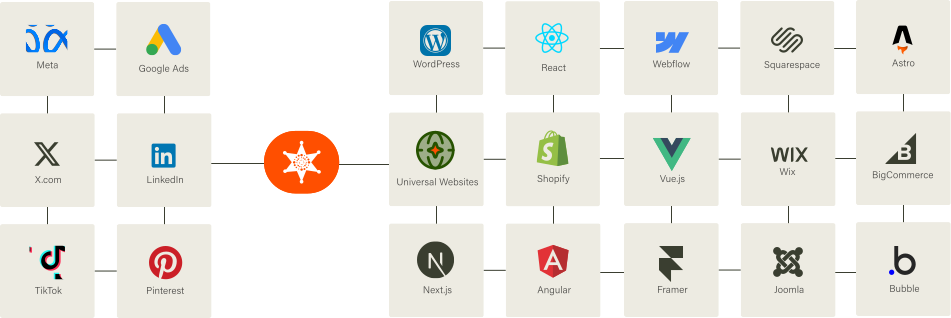
Our Script almost works flawlessly with any website framework to collect analytics data in a more accurate manner!
FAQ
Most fraud tools rely on IP blacklists and basic heuristics - effective against older bots, weak against modern ones that rotate IPs and mimic human behavior. DataCops uses device fingerprinting, interaction patterns (mouse, scroll, keystroke timing), and network signals (proxy, VPN, datacenter) scored in under 50 ms, then blocks or flags before conversion tracking fires.



